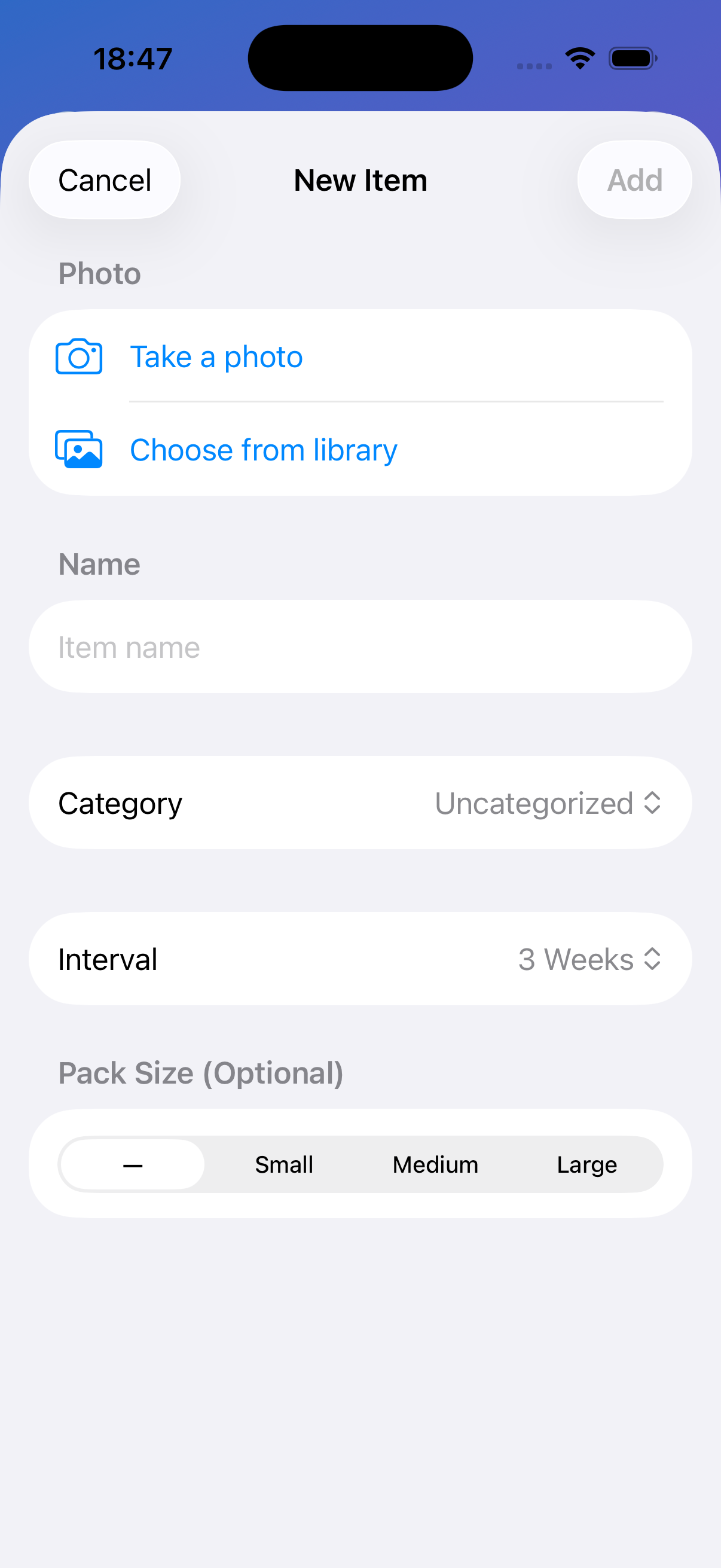
1. Add an item
Take a photo (or pick one) and give it a name. That's it.
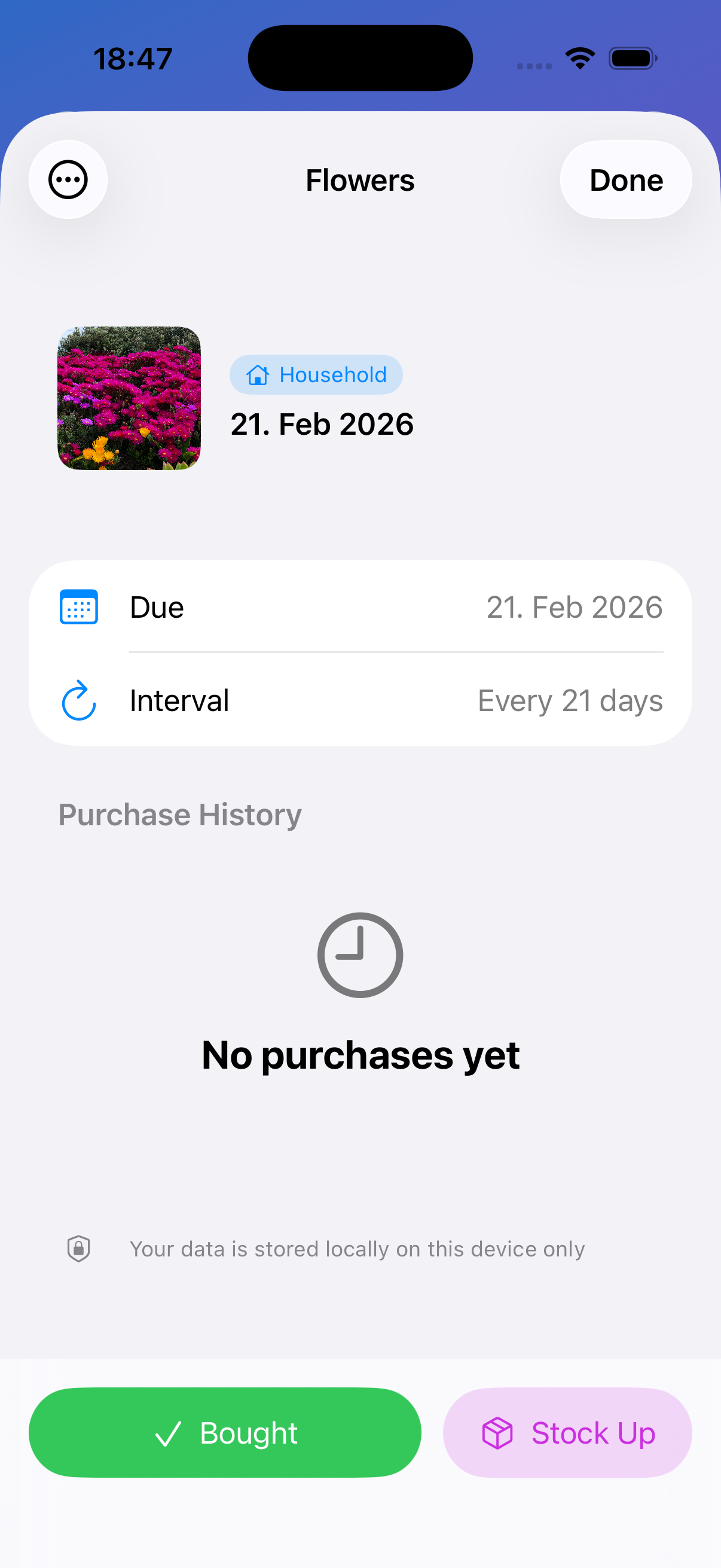
2. Tap "Bought"
When you restock, tap Bought. SoonEmpty updates your schedule and remembers where.
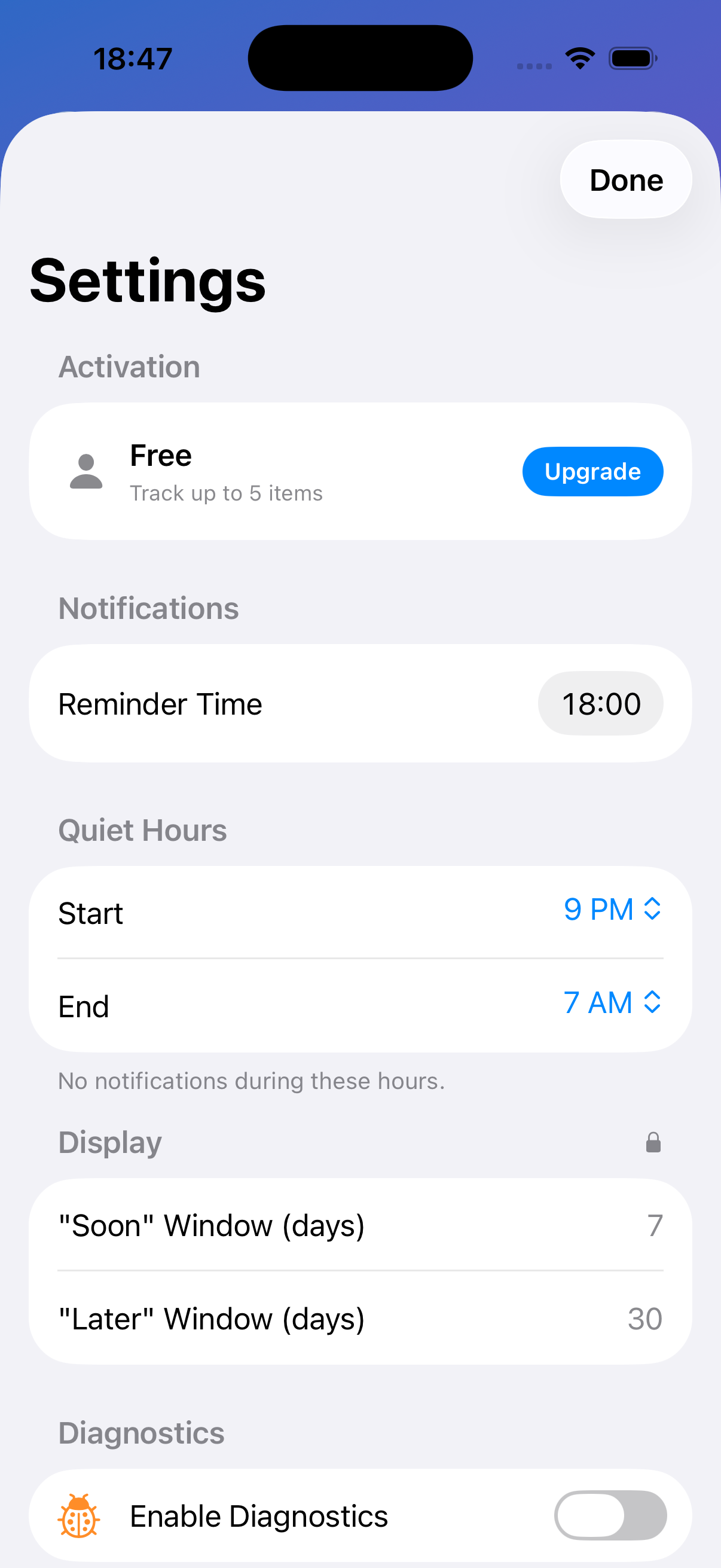
3. Get reminded
SoonEmpty learns your rhythm and reminds you before you run out.